

How to Upload Your Payment Screenshot or Receipt Correctly
A clear screenshot speeds up confirmation. See what to capture, how to upload from your phone and what happens afterwards.
After you pay with Cash App, Apple Pay, Chime, a gift card or cryptocurrency, you can upload proof so we can confirm your payment quickly. A clear screenshot or receipt lets the person checking your order match it in seconds, while a blurry or incomplete one can lead to a back-and-forth that delays your order. This guide explains where to upload, what to capture for each payment method, how to make an image readable, how uploading works on a phone, which optional fields help, what happens after you upload and how to keep your uploads private. It is written for adults aged 21 and over.
Where to upload
Use the link in your payment email or the order status page. It opens a private page with an upload box for your order. The link contains a unique token, so only the person with your order link can open the page. You do not need to sign in or create an account. If you cannot find the link, open the original email, or contact us through the contact page with your order number and we will resend it.
What to capture
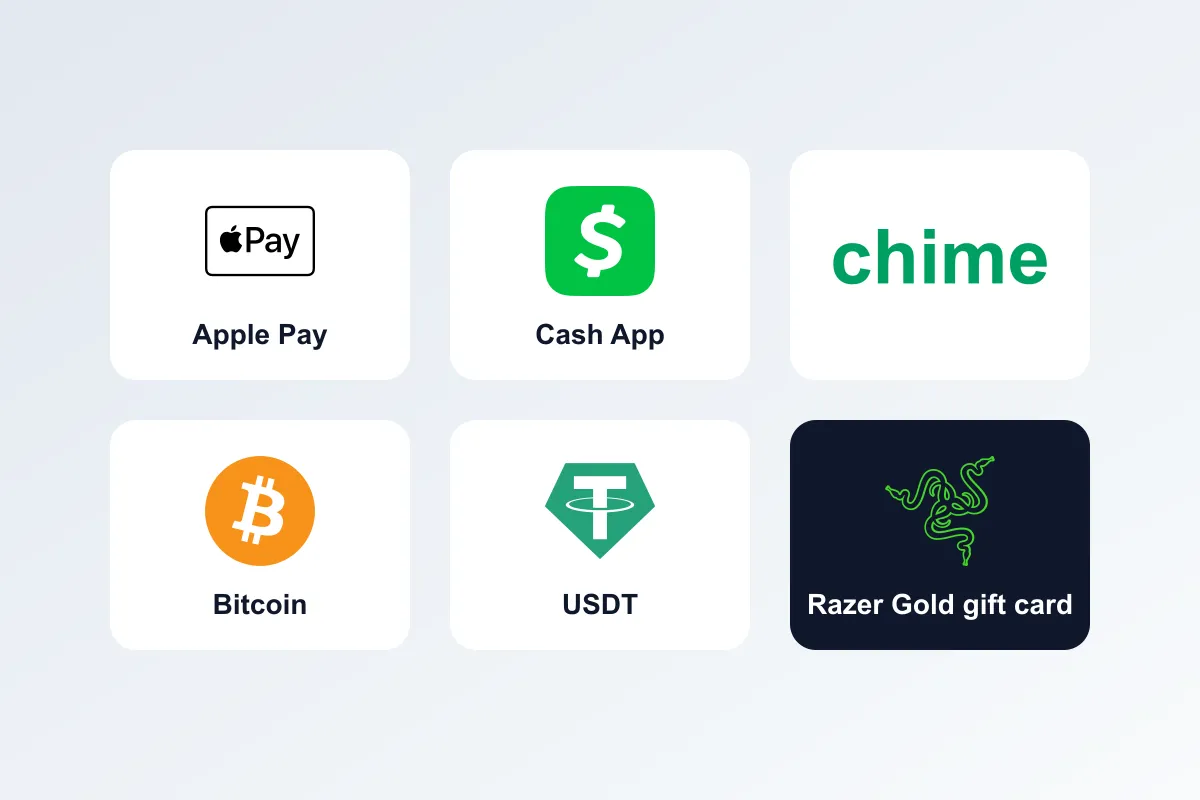
Different methods need different proof. Here is what helps most for each.
App payments: Cash App, Apple Pay and Chime
Capture the confirmation screen with the amount, the recipient and the date and time. If the app shows a transaction ID or a payment note with your order ID, make sure it is visible. If the confirmation spans two screens, capture both. See the guides for Cash App, Apple Pay and Chime.
Cryptocurrency
Capture the transaction ID or hash and the wallet or exchange confirmation that shows the coin, amount, network and time. The hash is the most useful item, because it lets us find the exact transfer on the blockchain. Paste it into the transaction field as well as including it in the screenshot. See how we detect your crypto payment.
Gift cards
Capture the card code or PIN, photos of the card (front and back if it is physical) and your purchase receipt. For e-gift cards, a screenshot of the delivery email is enough. Check every digit of the code. See how gift card payment works and the individual card guides.
Make it readable
A clear image is the single biggest factor in how quickly your payment is confirmed. Follow these habits:
- Capture the whole screen, not a tiny crop. We need the amount, date and reference visible.
- Crop out private details unrelated to the payment, such as other contacts or balances, but keep the amount, date and reference.
- Avoid blurry photos. Hold the phone steady and tap to focus if you are photographing a card or receipt.
- Use good light. Glare and shadows make numbers unreadable.
- Do not edit the image. Annotations or filters can make it look altered. A plain screenshot is best.
- Make sure the text is large enough. If you zoom in, the numbers should still be sharp.
Uploading from a phone
Tap the upload box, choose images from your gallery or take a photo. You can add up to four images. They are compressed on your device before sending, so large photos upload quickly, even on a slow connection. If an image does not upload, check your connection and try again, or choose a smaller or cropped version. Wait until you see the confirmation that the upload succeeded before you close the page.
Uploading from a computer
You can upload from a desktop as well. Transfer the screenshot to your computer, or take a screenshot on the computer, then choose the files in the upload box. The same limits and compression apply.
Optional fields
Add the transaction hash for crypto, the gift card code, and a short note if something is unusual. Notes that help include paying the difference for an underpaid order, buying a gift card in the next amount up, paying in two parts or paying from a different name. Short, clear notes save questions later.
After you upload
Your order status changes to proof submitted and our team reviews it. We match your proof to the payment, and when payment is confirmed you receive an email. Review is a manual step for gift cards and some other cases, and it is quickest during business hours, Monday to Saturday, 9AM to 7PM Pacific Standard Time. See how ordering works for timing and order status meanings for what each status means. Once payment is confirmed, the order enters processing, which takes 24 to 72 business hours at our Phoenix, Arizona Stock Warehouse.
Keep it private
Only the person with your order link can open the page, so do not share the link. Do not share your gift card code or PIN publicly or with anyone who contacts you unexpectedly. Your uploaded images are stored with your order and are used only to check your payment. Our privacy policy explains what we collect and how we use it. For gift card specifics, read gift card code security tips.
Common problems
The upload fails
Check your connection and try a smaller image. If it still fails, email us the image from the address on your order, with your order number.
I uploaded the wrong image
Tell us right away with your order number and upload the right image. We will use the latest one.
I forgot to include the amount
Upload a new screenshot that shows it, or add the amount in the note field.
I cannot find the link
Check spam, then contact us with your order number and we will resend it.
Frequently asked questions in depth
Do I have to upload a screenshot for crypto?
Usually not, because we match payments automatically on most networks. A transaction hash helps when a manual check is needed.
How many images can I upload?
Up to four. If you need more, tell us in the notes and email the rest.
Can I upload later?
Yes, but sooner is better, because we cannot confirm some payments until we have the proof. Unpaid orders may be released after 24 hours.
Can someone else upload for me?
It is better if you do, because the private link is meant for the customer on the order. If someone else pays or uploads for you, tell us so we can match it.
After your payment is confirmed
Once your payment is confirmed you receive an email, and your order status changes to payment confirmed. The order then enters processing, which takes 24 to 72 business hours at our Phoenix, Arizona Stock Warehouse. When it ships, you receive a tracking email, and a regional carrier delivers it. An adult aged 21 or older must sign on delivery and may be asked to show photo ID, so choose an address where that is possible. You can follow every stage from the private link in your order email, and the meaning of each status is explained in order status meanings. Read shipping times from Phoenix, Arizona and adult signature on delivery to prepare. All products are for adults aged 21 and over, and nicotine is addictive.
A quick guide to good screenshots on each device
On an iPhone, press the side button and the volume up button together to take a screenshot, then find it in Photos. On most Android phones, press the power and volume down buttons together. On a Windows computer, use the Snipping Tool or press the Windows key, Shift and S. On a Mac, press Command, Shift and 4. Take the screenshot while the confirmation is on screen, check it is readable and then upload it. If you are photographing a physical card or receipt, place it flat on a plain surface in good light, hold the phone directly above it and tap to focus before you take the picture.
What not to upload
Do not upload images that show unrelated private information, such as other people's messages, your full bank statement or your passwords. Crop to the payment. Do not upload edited images, because filters and markups can make a genuine screenshot look altered. And do not upload your wallet recovery phrase or private keys under any circumstances; we never need them, and no genuine process does.
How long should you keep your proof?
Keep the original screenshots, receipts and emails until your order is delivered and for a few weeks afterward, in case a question about payment or a return comes up. After that, delete screenshots that contain gift card codes or other sensitive details from shared albums and cloud folders. Keeping a tidy record protects you, and deleting sensitive images when you no longer need them protects you even more, because it removes the chance that someone with access to your gallery could misuse them.
Frequently asked questions in depth
What if my screenshot shows a different name from the one on the order? That is fine if someone else paid for you or the payment app uses a different display name. Add a short note saying whose name appears and why, and we will match it.
What if the payment is still pending in my app? Upload the screenshot anyway and say that it is pending. We will wait for it to complete before confirming, and your note helps us know what to expect.
Do I need to upload again if I already did? Only if we ask, or if you have new information, such as a second payment for a balance. Uploading the same image twice does not speed things up.
Frequently asked questions
Where do I upload my payment proof?
Use the link in your payment email or the order status page. It opens a private upload page for your order.
What should the screenshot show?
The amount, the recipient, the date and time and, where relevant, your order ID or transaction hash. For gift cards, the code or PIN and your receipt.
How many images can I upload?
Up to four. They are compressed on your device before sending, so large photos upload quickly.
Do I need to upload proof for crypto?
Usually not, because crypto is matched automatically on most networks, but a transaction hash helps when a manual check is needed.
What happens after I upload?
Your order status changes to proof submitted and our team reviews it. You receive an email when payment is confirmed.
Is my upload private?
Yes. Only the person with your order link can open the page, and uploads are used only to check your payment.
Vaping products contain nicotine. Nicotine is an addictive chemical. You must be 21+ to purchase. Not for use by pregnant women or people with health conditions. This article is general information for adults, not medical or legal advice. Product laws differ by state and city — check the rules where you live before you buy.
Shop related products

Keep reading
Why Your Crypto Payment Shows Underpaid (and How to Fix It)
Seen an underpaid message? Price movement, fees deducted by an exchange or a typo can leave a payment short. Here is how to resolve it.
Crypto Payment FAQ: Fast Answers Before You Pay
Which coins, which networks, how long it takes and what to do if something goes wrong. Quick answers about paying with crypto.
Payment Methods Compared: Crypto, Gift Cards, Cash App, Apple Pay, Chime
Five ways to pay, with different discounts and speeds. Compare them side by side and pick the one that fits your order.