

Paying With Cash App: How Our Payment Details Process Works
Choose Cash App at checkout and we send you the payment details. Learn each step, from placing the order to uploading your receipt.
Cash App is one of the payment options at One Stop Vape Store. It works differently from cryptocurrency: instead of showing payment details in a window at checkout, we send them to you after you place the order, so they are always current and tied to your order. This guide explains each step from checkout to confirmation, what the emails and the payment page contain, how to avoid the mistakes that slow orders down, what to do if something goes wrong and how Cash App compares with other methods. It is for adults aged 21 and over.
Why Cash App details arrive after you order
Cash App payments need a recipient handle, called a $Cashtag, and an exact amount. We send those after you order for three reasons. First, the details are matched to your specific order, so the amount is right. Second, we can confirm stock and pricing before you pay. Third, it protects you from out-of-date or copied details, because payment instructions only come from our official email, WhatsApp number or private order page.
Step 1: place your order
Add products to your cart and go to checkout. Choose options such as strength and pack size on the product page first so they appear in your cart. At checkout, enter your contact and shipping details, confirm you are 21 or older, choose Cash App as the payment method and place the order. We need your email and phone number so we can reach you. The minimum order is $100, and orders of $200 or more after discounts ship free; smaller orders pay a flat $15 shipping fee. Your order is saved with the status "awaiting payment", and you receive an order number.
Cash App does not carry the 10% discount that cryptocurrency and gift cards do. If saving matters, compare options in payment methods compared.
Step 2: wait for our message
We email you the Cash App payment details, usually within minutes during business hours. If WhatsApp is easier for you, we can send them there as well; see ordering via WhatsApp. The thank-you page after checkout tells you to watch your inbox, and the email contains your order number, the amount due and a link to your private payment page.
If the message has not arrived after a short wait, check your spam or promotions folder and confirm the email address you entered. Our guide to order confirmation emails not arriving lists the common causes.
Step 3: open the payment page
Our email links to a private page where every detail has its own tap-to-copy button. Email programs cannot run copy buttons, which is why the page exists. You will see the $Cashtag, the exact amount to pay and the note to include. The link contains a unique token, so only someone who has the link can open the page. Do not share it. Read how payment details reach you for how the email, WhatsApp message and page fit together.
Step 4: pay in the Cash App
Open the Cash App, choose Pay, enter the $Cashtag exactly as shown, enter the exact amount and add your order ID in the note field. Typing the order ID in the note is what lets us match the payment to the right order quickly. Review the recipient name and amount on the confirmation screen before you send, then confirm.
Pay the exact amount shown. If you round up or down, we may need to contact you, which delays the order. If your Cash App balance is low, add money from your linked bank first so the payment does not fail.
Step 5: upload your receipt
After paying, use the link in the email to open your payment page and upload a screenshot of the Cash App confirmation. The screenshot should show the amount, the recipient and the time. This tells us a payment is on its way and speeds up the check. See how to upload a payment screenshot for what makes a good screenshot. Keep the confirmation screen open until you have uploaded it.
Step 6: we confirm and ship
When we confirm the payment, you receive another email and your order status changes to payment confirmed. Orders ship once payment is confirmed. We process orders within 24 to 72 business hours at our Phoenix, Arizona Stock Warehouse and ship with tracking by a regional carrier. An adult aged 21 or older must sign on delivery. See shipping times from Phoenix, Arizona and adult signature on delivery. You can follow every stage in order status meanings.
Tips for a smooth Cash App order
- Pay within 24 hours. Unpaid orders may be released so stock is not held indefinitely.
- Use the exact amount. It makes matching immediate.
- Add the order ID. Put it in the note every time.
- Keep the screenshot. Upload it as soon as you pay.
- Use only our official details. Never pay to a handle sent by someone who contacted you unexpectedly.
- Check the recipient name. If it does not look right, stop and contact us.
If something goes wrong
The payment failed
Cash App can decline a payment for a low balance, a bank issue or a security check. Fix the cause in the app and try again, and let us know through the contact page if you are unsure whether it went through.
I paid the wrong amount
Tell us your order number and the amount you sent. If you overpaid, we will let you know how it is resolved. If you underpaid, we will tell you the balance and how to send it.
I sent it to the wrong handle
Contact Cash App support immediately, because we cannot reverse payments sent elsewhere. Then contact us with your order number so we can help with the next step.
I cannot find the email
Check spam, check the address on your order and then contact us with your order number. See how to contact support.
Refunds and returns
If a refund is ever due, it goes back through the payment method the payment was received through, which here means Cash App. Our returns policy allows returns within 30 days for unopened items in original packaging, less a 15% restocking fee, and opened or used items cannot be returned. See refund and return policy explained.
Alternatives
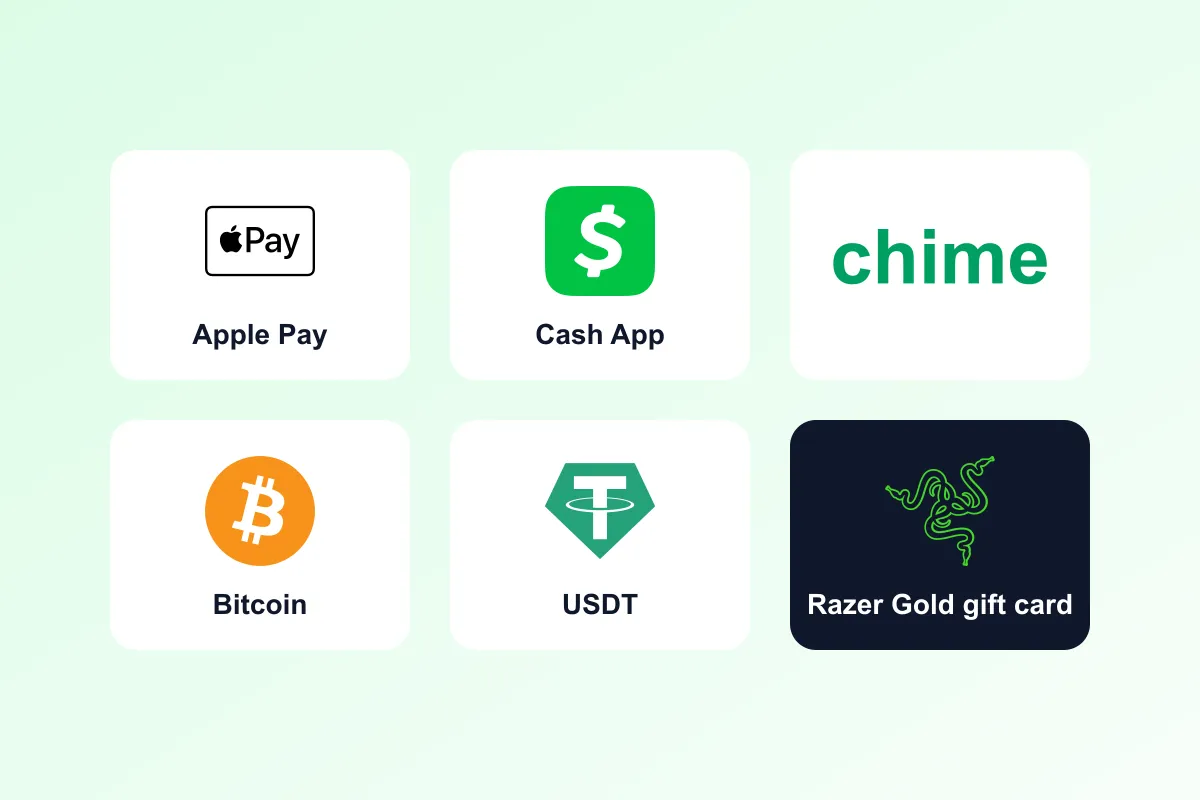
If you prefer a different method, you can pay with Apple Pay or Chime, which follow the same send-details-after-ordering process. If you want the 10% discount, choose cryptocurrency or a gift card; see how the crypto and gift card discount works. All products are for adults aged 21 and over, and nicotine is addictive.
Staying protected
Only trust payment details that come through our official email, our WhatsApp number or your private order page. Never share your Cash App PIN or sign-in codes with anyone, and be wary of anyone who asks you to pay a different handle or pay outside the order. If anything looks unusual, stop and contact us before you pay.
Frequently asked questions in depth
Can I pay from a Cash App balance and a bank account at the same time?
Cash App lets you choose the funding source on the payment screen. Use whichever you prefer, but make sure the full amount is sent in a single payment, because we match one payment to one order.
Does Cash App show the name of the recipient?
Yes. The confirmation screen shows the recipient's name and $Cashtag. Check them against the details on your private payment page before you confirm. If they do not match, stop and contact us.
Will my payment be matched if I forget the order ID in the note?
Usually yes, because we also match by amount and time, but it takes longer. Add the order ID every time and upload your screenshot, and matching is quick.
Can I pay for two orders in one payment?
Please do not. Each order has its own amount and reference, and a combined payment makes matching harder. Send one payment per order, with the right order ID in each note.
What happens if my payment is held by Cash App for review?
Cash App sometimes holds payments for security checks. If it shows as pending, upload your screenshot anyway and tell us. We will wait for it to complete before confirming the order.
Can I change to a different method after ordering?
Yes, if you have not paid. Contact us with your order number and we can switch the method and send the right details. Note that cryptocurrency and gift cards carry the 10% discount and the order total will update accordingly.
How does this compare with other app payments?
Cash App, Apple Pay and Chime all follow the same pattern: place the order, receive details, pay, upload a receipt and wait for confirmation. The best choice is simply the app you use most. If you want a discount, choose crypto or a gift card instead.
How quickly should I pay after ordering?
As soon as you can, and within 24 hours. Paying promptly keeps your stock reserved and gets your order into processing sooner, because processing starts only once your payment is confirmed.
Can I add another item after I receive the details?
Yes, but tell us before you pay. We will update the order, recalculate the total, check whether you now qualify for free shipping and send fresh details so you pay the right amount once.
Frequently asked questions
How do I get the Cash App payment details?
After you place your order we email them, usually within minutes in business hours, and can also send them on WhatsApp. They include a link to a private tap-to-copy page.
Do I get a discount for paying with Cash App?
No. The 10% discount applies to cryptocurrency and gift card payments. Cash App, Apple Pay and Chime pay the standard price.
What do I put in the Cash App note?
Add your order ID so we can match your payment to your order quickly.
Do I need to upload a screenshot?
Yes, it speeds up confirmation. Use the link in your email to upload a screenshot showing the amount, recipient and time.
How long do I have to pay?
Pay within 24 hours or the order may be released so stock is not held indefinitely.
Where do refunds go?
Refunds return through the payment method the payment was received through, which is Cash App for Cash App orders, less the 15% restocking fee where it applies.
Vaping products contain nicotine. Nicotine is an addictive chemical. You must be 21+ to purchase. Not for use by pregnant women or people with health conditions. This article is general information for adults, not medical or legal advice. Product laws differ by state and city — check the rules where you live before you buy.
Shop related products
Keep reading
Paying With Chime: What to Expect After You Place Your Order
Pay with Chime by waiting for our payment details, sending the exact amount with your order ID, then uploading your receipt.
Paying With Apple Pay: Step-by-Step Order and Receipt Guide
Using Apple Pay for your order? We send the number or details to pay, you pay from your phone, then upload the receipt. Here is the flow.
How Gift Card Payment Works: Apple, Razer, Paysafe, Sephora, Macy's
Pay with a gift card and save 10%. This guide covers selecting a card at checkout, the email we send and how to upload the details.