

Vape Indicator Lights: What Blinking and Color Changes Mean
LED lights tell you about charge, faults and activation. Learn the common patterns and what to do when a vape blinks at you.
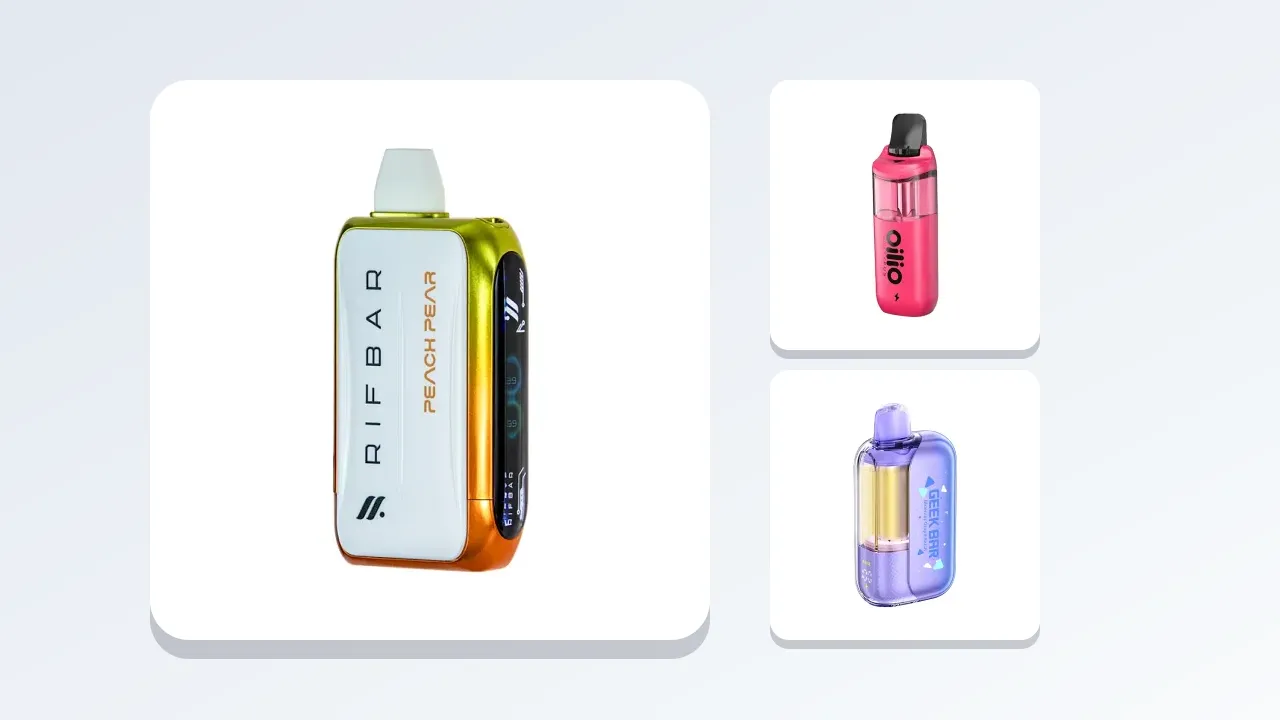
Most modern vapes have at least one small light, and many communicate with a language of colors and blinks: red for low battery, green for full, a rapid flash for a fault. Some have a screen with icons. Understanding what those signals mean saves time, prevents problems and tells you when to charge, when to replace and when to stop using a device. There is no single standard, and each brand uses its own patterns, so this guide explains the common patterns, how to read them, what to do in each case, how lights differ between disposables, pods and mods, how to troubleshoot, what lights tell you about battery and liquid, when a light signals something serious and how to find your device's own chart. It is written for adults aged 21 and over. Nicotine is addictive, and nothing here is medical advice. Always check the manufacturer's instructions for your model.
Why devices use lights
A small light is a cheap and effective way to communicate. It can show that the device is on, firing, charging, low or faulty, without a screen. Because lights are simple, the language is limited: color, steadiness and number of blinks. The same pattern can mean different things on different devices, so treat any list as a general guide.
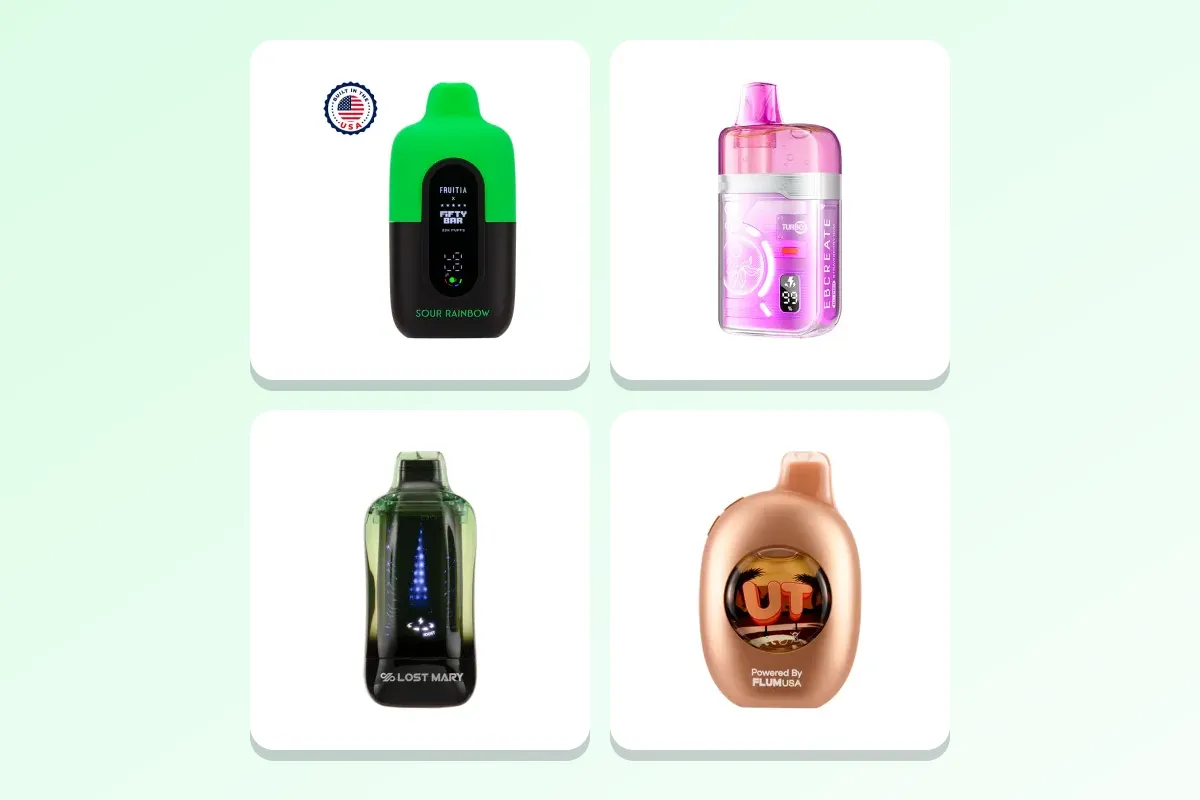
Common patterns
- Light on while you inhale: the device is firing normally.
- Steady red or pulsing red while charging: charging in progress.
- Green or off after charging: fully charged.
- Blinking red when you inhale: low battery. Charge it.
- Several rapid blinks and no vapor: a fault, a lock or a protection mode.
- Slow blinking when idle: a standby or low charge indicator on some devices.
- No light at all: a dead battery, a fault or a disconnected pod.
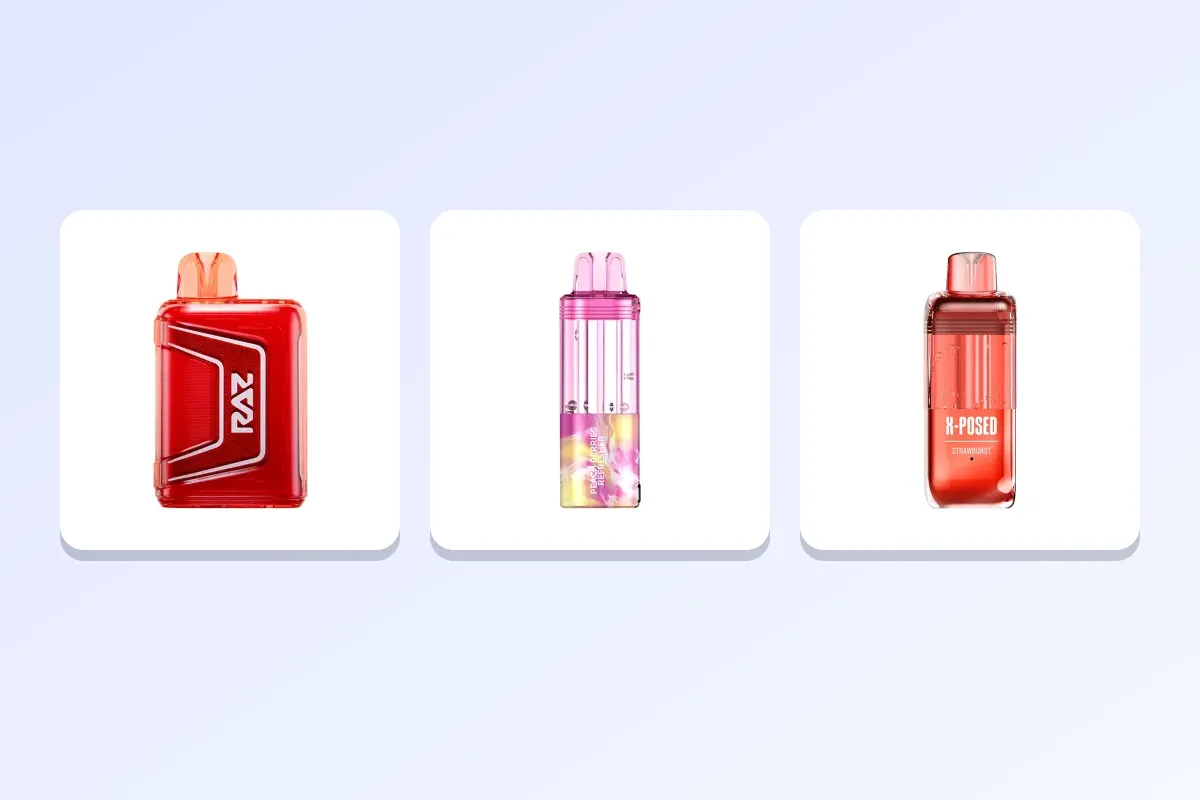
Low battery
A low battery is the most common message. The light may blink a set number of times on each puff, or glow red, and the device may stop firing. Charge it with a standard USB-C cable and a 5V adapter, on a hard surface, while you are nearby. See how to charge a disposable and how to extend vape battery life. If the device is non-rechargeable, a blinking low-battery light means it is nearly finished.
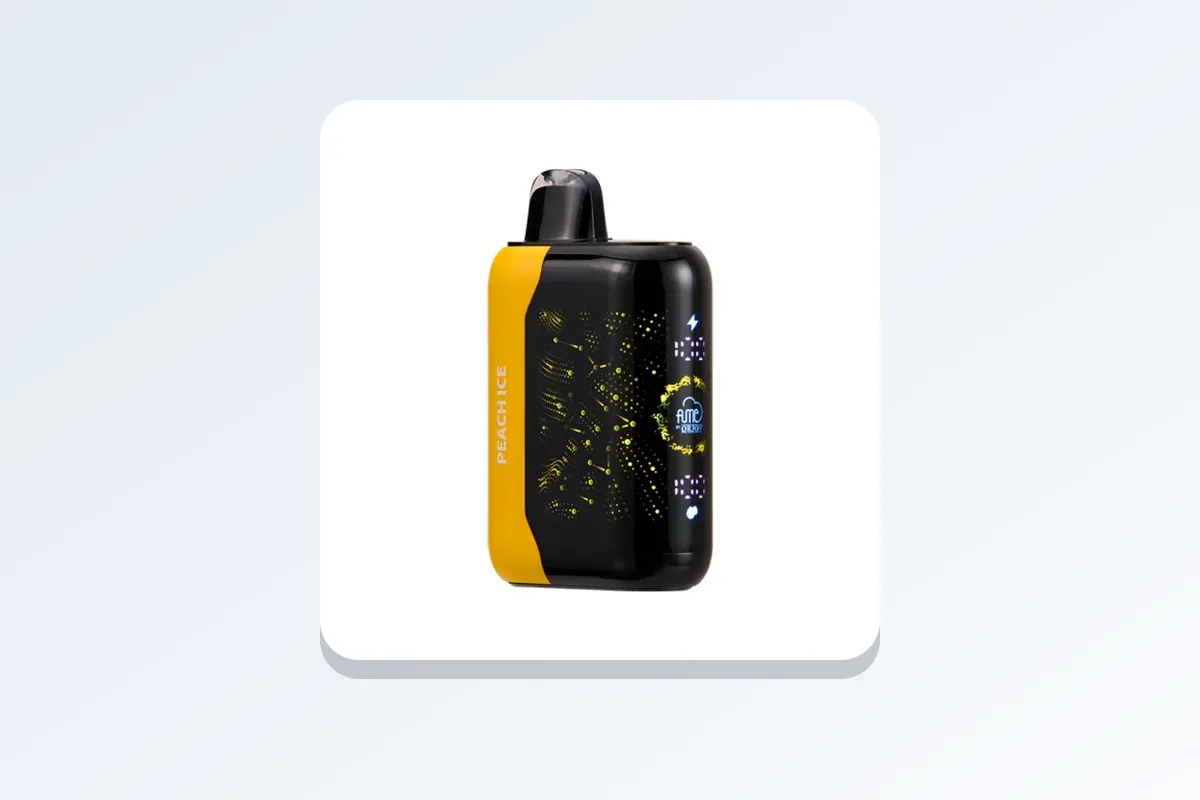
Charging lights
While charging, many devices show red or a pulsing light. When full, the light turns green, goes off or stops pulsing. Some devices show no light for the first minutes when the battery is very flat. If the light does not change after an hour, check the cable, the adapter and the port. See what to do when a vape will not charge.
Short-circuit and fault signals
Many devices have protection against short circuits, overheating and coil problems. A quick series of blinks with no vapor can mean a short circuit, an unseated pod, a coil outside the supported range or an overheating protection. Remove the pod or tank, check the contacts and the connection, let the device cool and try again. If it persists, stop using the device, and replace the pod or coil. If the device is hot or swollen, stop using it, and take it for recycling.
Lock and unlock signals
Some devices lock after multiple clicks, to prevent accidental firing. A lock is usually shown by a set number of blinks. Unlock with the sequence in the manual, often a set number of clicks on the button. If the device does not fire and the light blinks after a click sequence, check the manual.
Pod and connection signals
A blinking light when you insert a pod can mean that it is not seated, the pod is empty, the coil is faulty or the pod is the wrong model. Remove it, check the contacts, reseat it firmly and try again. If another pod works, the first is the problem.
Disposables with lights
A simple disposable may have only one LED that lights when you inhale, and blinks when the battery is low. Some larger devices have a ring of lights or a color-changing glow. If the light blinks and the device does not fire, charge it, if rechargeable. If it is non-rechargeable, it may be finished.
Devices with screens
A screen shows battery, liquid and mode icons, and sometimes error messages. A battery icon with low bars means charge. A liquid icon at the bottom means refill or replace. An error message such as "short" or "check atomizer" points to a coil or connection problem. See screen vs no-screen disposable vapes.
Mods
Box mods show messages such as "Check Atomizer", "Short" or "Low Resistance", "Low Battery" and "Overheat". These indicate specific problems: a poor connection, a coil outside the supported range, a low battery or high temperature. Follow the message, and consult the manual. See what is a box mod.
How to read a pattern correctly
- Note the color, the steadiness and the number of blinks.
- Note whether you are inhaling, charging or idle.
- Compare with the device's manual or packaging.
- If no chart is available, use the general patterns above as a guide.
- Act: charge, reseat, rest, replace or stop.
When a light signals something serious
If a device gets hot, swells, smells odd, smokes or makes noises, stop using it at once, whatever the light says. Move it to a hard surface away from anything flammable, and do not charge it. Take it for recycling. If there is a fire risk, call emergency services. See lithium battery care basics.
Finding your device's chart
Look on the box, in the leaflet or on the maker's website. Search the model name and "indicator lights" or "LED guide". If you cannot find it, send us the model name and a short video of the pattern through the contact page, and we will help.
A worked example
Your pod device blinks three times when you inhale and does not fire. You check the pod: it is seated, and there is liquid. You check the battery: it is charged. You remember that three blinks can mean a short circuit. You remove the pod, wipe the contacts and reseat it. The device fires normally. Had the pattern continued, you would have tried a fresh pod, to see whether the pod or the battery was at fault.
Common mistakes
- Ignoring a low-battery blink and draining the battery flat.
- Assuming all devices use the same patterns.
- Using a device that blinks a fault.
- Charging a hot or swollen device.
- Forcing a pod that does not fit.
Frequently asked questions in depth
Why does my device blink when I do not use it?
Some devices blink in standby, when locked or when low on battery. Check the manual.
Why is the light green all the time?
It may mean fully charged, or it may be the normal standby color. Check.
Why does the light stay off when I inhale?
A dead battery, a disconnected pod or a fault. Charge it and reseat the pod.
Can a light tell me how much liquid is left?
Not usually. Only devices with a screen or a liquid indicator can.
Is a blinking light a danger sign?
Usually it is a normal signal. If the device is also hot or swollen, stop using it.
Shop
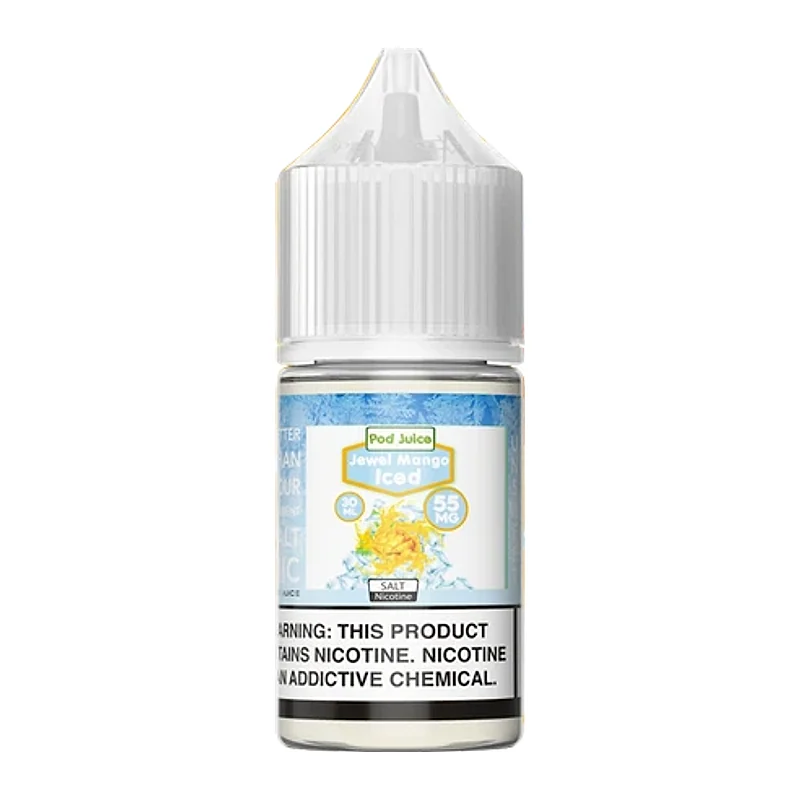
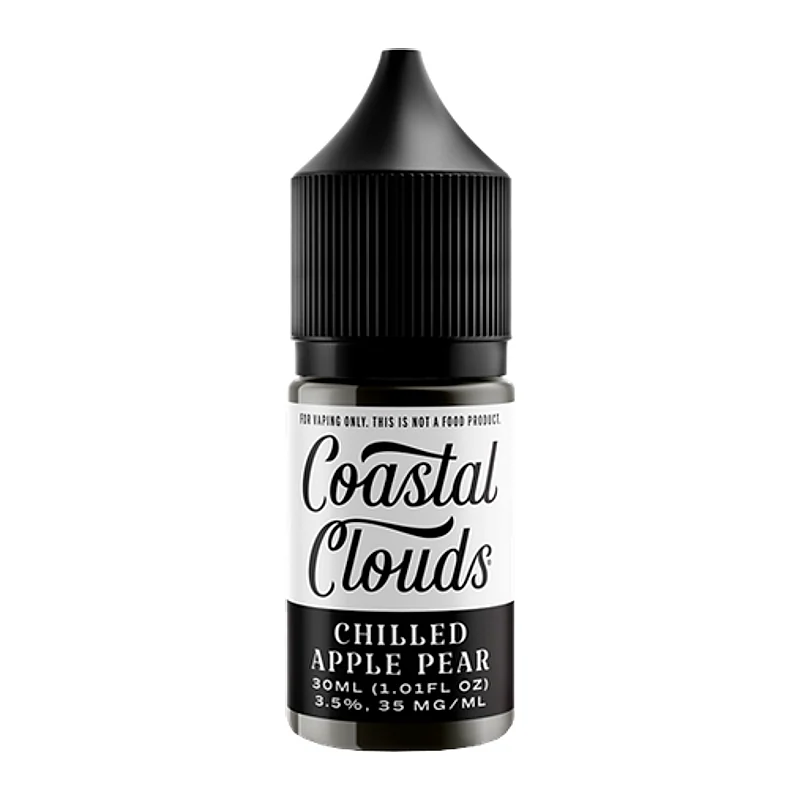
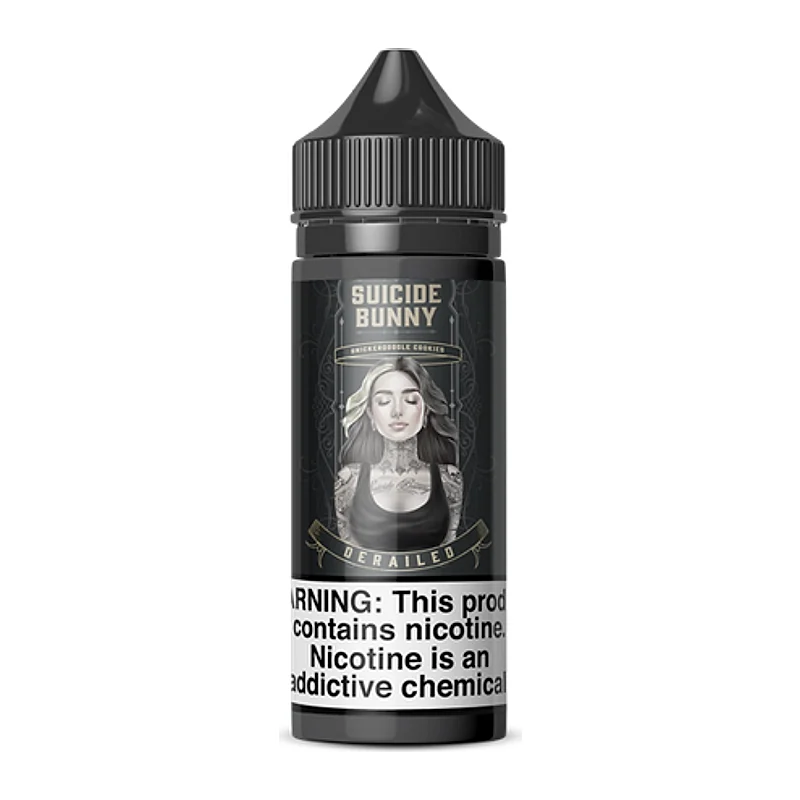
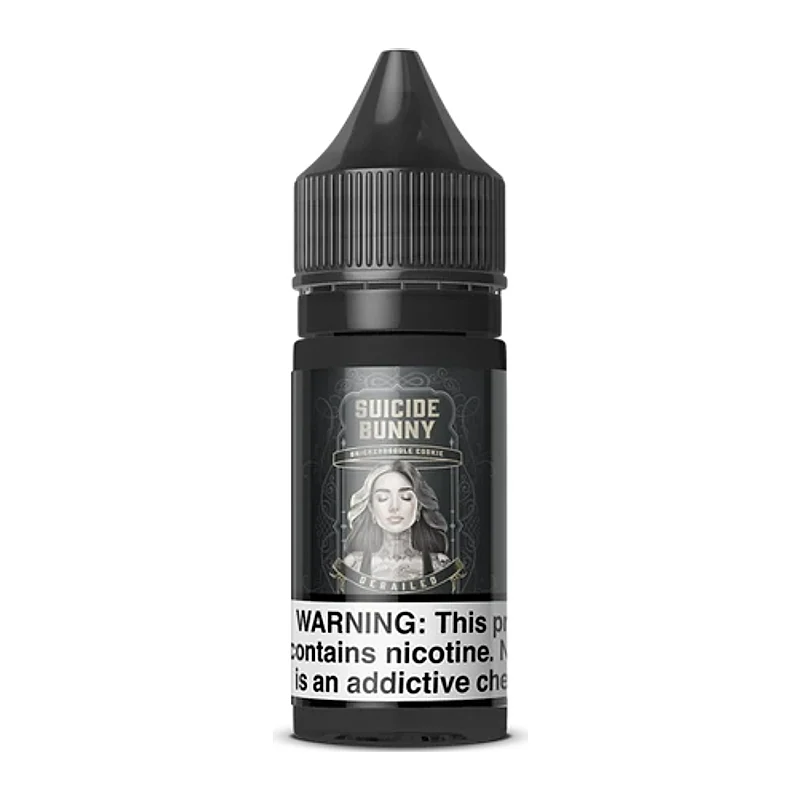
Browse disposable vapes and vape kits. All products are for adults aged 21 and over, and nicotine is addictive.
A quick troubleshooting flow
Start with the simplest causes. Is the device charged? Plug it in for fifteen minutes, then try again. Is the pod or tank seated and the contacts clean? Remove it, wipe the contacts with a dry cotton bud and reseat it. Is the device locked? Check the manual for the unlock sequence. Is the coil or pod new and primed? Give it a few minutes of rest. Is the device hot? Let it cool, away from sun and heat sources. If none of these helps, try another pod or coil, if you have one, to isolate the fault. If the device is non-rechargeable and the light blinks without vapor, it may be finished. See why a vape is not hitting for more.
Light patterns we see most often
- Three blinks: often a short circuit or a connection problem.
- Ten blinks: often an overheating or timeout protection, where a puff has been too long.
- Five blinks: often a lock or unlock confirmation.
- Red light on each puff: low battery.
- Rainbow or cycling lights: a cosmetic feature on some devices, not a fault.
These are examples only. Brands differ, and you should check your own device. If you are unsure, take a short video of the pattern and send it to us through the contact page, with the product name and your order ID.
Why a puff timeout exists
Many devices cut off after a puff of several seconds, usually around eight to ten, as a protection against overheating. If your light blinks when you take a long draw, shorten your puffs. Long puffs also dry coils and strain batteries. Gentle, shorter puffs are better for flavor and for the device.
Looking after the light itself
LEDs rarely fail on their own, but dirt and liquid can cover them. Wipe the outside of the device with a dry cloth. If liquid has leaked into the device and the light behaves oddly, stop using it, let it dry in a cool place and contact us if it does not recover. Do not use compressed air or heat to dry a device.
Frequently asked questions
What do indicator lights mean?
They signal that a device is firing, charging, low on battery, locked or faulty. Patterns differ by brand, so check your manual.
What does a blinking red light mean?
Often a low battery when you inhale. Charge the device, or replace it if it is non-rechargeable.
What does a green or off light after charging mean?
Usually fully charged. Check your device's guide.
What do rapid blinks and no vapor mean?
A fault, a short circuit, an unseated pod, a lock or a protection mode. Reseat the pod, let the device cool and check the manual.
Where can I find my device's chart?
On the box, the leaflet or the maker's website. Send us the model name if you cannot find it.
When should I stop using a device?
If it is hot, swollen, smells odd or smokes, whatever the light says.
Vaping products contain nicotine. Nicotine is an addictive chemical. You must be 21+ to purchase. Not for use by pregnant women or people with health conditions. This article is general information for adults, not medical or legal advice. Product laws differ by state and city — check the rules where you live before you buy.
Shop related products
Keep reading
Vape Spitting or Hot Vapor? Fixes for a Harsh Draw
Spitting and hot vapor point to flooding, too much power or a coil problem. Use these steps to restore a smooth draw.
Vape Firing by Itself? Causes and What to Do
A vape that activates without a puff can drain the battery and heat the coil. Here is how to find the cause and stop it.
What Is a Dry Hit and How Do You Avoid It?
A dry hit is a harsh, burnt draw from a coil that is not wet enough. Learn why it happens and how to prevent it.