
Scanning a Wallet QR Code and Copying the Address Correctly
A single wrong character sends crypto to the wrong place. Learn to use QR codes and copy buttons and to double-check an address before sending.
Crypto addresses are long strings of letters and numbers, and one wrong character sends your funds to a different address, with no way to undo it. That is why you should never type an address by hand. The payment window at One Stop Vape Store gives you two reliable options: scan the QR code or use the copy button. This guide explains how each option works, how to scan from a phone and from a desktop, how to double-check the address after you paste or scan, why malware can swap copied addresses, how to check the network and the amount, whether a test transfer is worth it and what to do if something does not look right. It is written for adults aged 21 and over and is not financial advice.
What the address and QR code are
An address is where the payment goes. The QR code is simply the same address, and sometimes the amount, encoded as a picture your camera can read. Because the code and the text address come from the same source, they always match. Scanning is faster and avoids typing mistakes, and copying and pasting does the same job. Either way, your wallet gets the exact address without you typing a single character.
Option 1: scan the QR code
Open your wallet app, choose Send, then tap the scan icon and point your camera at the QR code in the payment window. The wallet fills in the address for you, and sometimes the network and amount as well. Hold the phone steady and make sure the whole code is in view. If your screen is dim or glossy, increase the brightness or tilt the screen slightly to avoid glare. If the code does not scan, try again from a bit further back, and fall back to the copy button.
Option 2: use the copy button
Tap the copy icon next to the address and paste it into your wallet. This avoids mistakes that come from retyping, and it works on a desktop where scanning is awkward. After you paste, look at the address in the wallet to confirm that it has pasted completely and nothing else was added to it.
Always double-check
After pasting or scanning, compare the first four and last four characters with the address on screen. Some malware swaps copied addresses for a different one, so a quick visual check is a good habit, especially for larger payments. The check takes seconds. If the first or last characters differ, do not send. Clear your clipboard, copy the address again and, if it still differs, scan the QR code with a different device and contact us through the contact page.
Check the network too
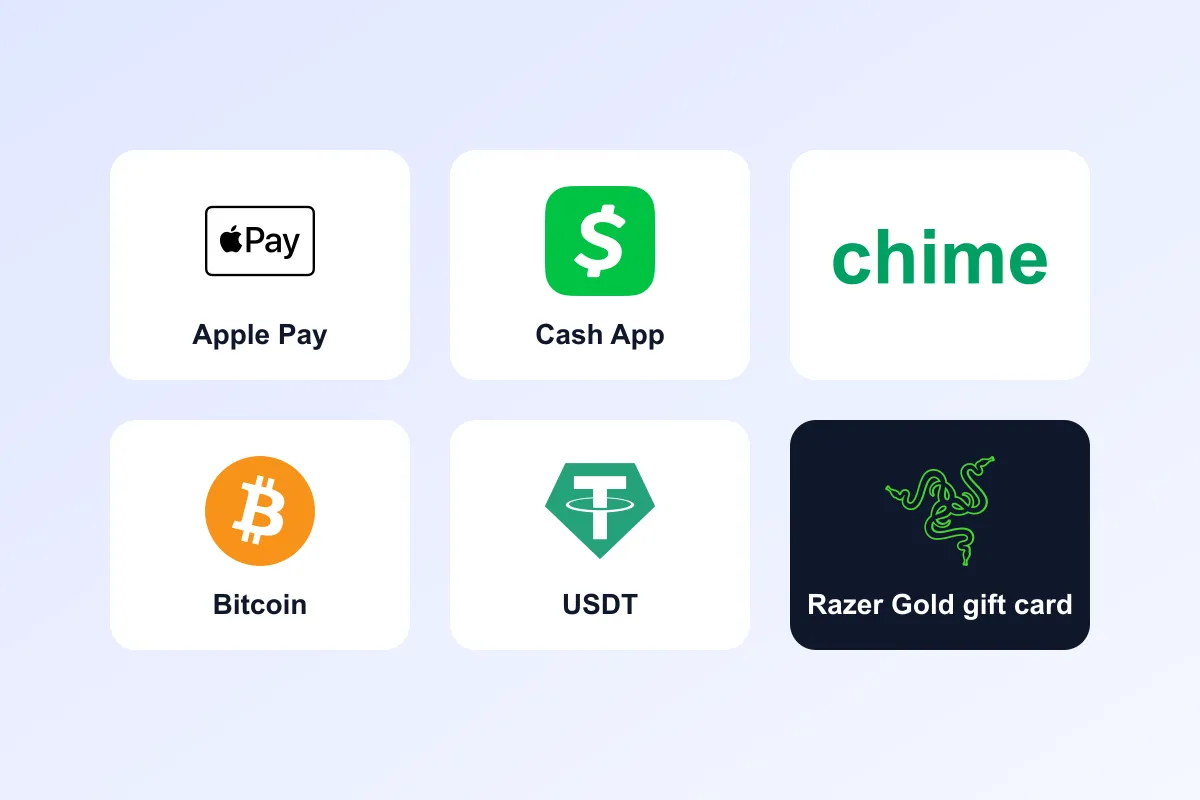
Your wallet may show a network selector, especially for tokens such as USDT, which exist on several networks. It must match the one in our window; see what is a crypto network. The address prefix gives a quick clue: Bitcoin addresses start with bc1, 1 or 3, Ethereum and BNB Smart Chain addresses start with 0x, Tron addresses start with T and Solana addresses are long strings with no prefix. Remember that Ethereum and BNB addresses look alike, so check the network label as well.
Enter the amount
Use the amount shown, copied with its own button where available. Typing a number is fine, but read it twice. The amount is based on the live rate and refreshes about every 30 seconds, so if you leave the window open for a while, refresh it and use the new figure. A small tolerance covers normal movement, but a large gap shows as underpaid. See why your crypto payment shows underpaid and the walkthrough in how to pay with Bitcoin.
Should you make a tiny test first?
For large amounts, some people send a small test transfer first. That adds a second network fee but can give peace of mind that the address and network are right. Whether it is worth it depends on the fee. On Solana or Tron the cost is tiny, so a test is cheap. On Ethereum it may cost more than it is worth. If you do send a test, tell us, because our system matches one transaction to one order, and we need to know both transaction IDs so we can match your payment correctly.
If you are on a desktop
You can scan the QR code from your phone's wallet app while the payment window is open on your computer, or copy the address on the desktop and paste it into a browser-based wallet. Whichever you choose, do the compare-the-ends check on the final screen before you confirm. If you use a hardware wallet, check the address on the device's own screen as well, because that screen cannot be altered by malware on your computer.
What a scam looks like
Genuine payment details come only from the payment window on our site or from our official email, WhatsApp number and private order page. We never ask you to send crypto to an address in a chat message from someone you do not know, and we never ask for private keys or recovery phrases. If anyone sends you a different address and says it is ours, do not use it, and contact us. See how payment details reach you.
Common mistakes
- Typing the address. Always scan or copy.
- Skipping the final check. Compare the first and last characters.
- Scanning the wrong code. Scan only the QR code in the current window.
- Ignoring the network. Match it to the label.
- Sending an old amount. Refresh the window if it has been open a while.
- Resending if it looks slow. Check the status page first.
Frequently asked questions in depth
Does the QR code include the amount?
It may, depending on your wallet. Always check the amount on the final send screen and compare it with the window.
Why does my wallet say the address is invalid?
It may be the wrong network for the address or an incomplete paste. Check the network, paste again and compare the ends.
Can I save the address for later?
Do not. Each payment window gives the current details, and you should copy them fresh each time.
What if my camera cannot read the code?
Use the copy button, or open the window on a larger screen and try again.
After your payment is confirmed
Once your payment is confirmed you receive an email, and your order status changes to payment confirmed. The order then enters processing, which takes 24 to 72 business hours at our Phoenix, Arizona Stock Warehouse. When it ships, you receive a tracking email, and a regional carrier delivers it. An adult aged 21 or older must sign on delivery and may be asked to show photo ID, so choose an address where that is possible. You can follow every stage from the private link in your order email, and the meaning of each status is explained in order status meanings. Read shipping times from Phoenix, Arizona and adult signature on delivery to prepare. All products are for adults aged 21 and over, and nicotine is addictive.
Building a reliable habit for every payment
The best protection against address errors is a routine you follow every time. Open the payment window, scan or copy the address, paste it, read the first four and last four characters aloud or in your head, check the network label, enter or confirm the amount, and only then press send. The routine takes under thirty seconds and removes nearly every address mistake. If you ever skip a step because you are in a hurry, that is exactly the moment errors happen, so slow down on larger payments.
Using more than one device
Some people keep the payment window on a computer and send from a phone. That works well, because the phone scans the code directly from the screen. Just make sure that the window you are looking at is the current one, that it has not expired and that you are not mixing it up with a window from an earlier order. Each order has its own reference, address details and amount, so always match the order reference on screen with the order you are paying.
What to do if the address does not match
Stop and do not confirm. Clear your clipboard by copying a short piece of ordinary text, copy the address again from the payment window and paste it once more. If the pasted address still differs from the one on screen, your device may have software that alters copied text. Switch to scanning the QR code with a different device, or send from a different device altogether, and run a security scan on the affected one. Contact us through the contact page so we know what happened, and never send funds to an address that does not match the current window. Most of the time the mismatch is a simple incomplete paste, and pasting again fixes it.
Frequently asked questions in depth
Can I screenshot the QR code and scan it later? Please do not. Each payment window shows the current details for one order, and an old screenshot may be out of date. Scan or copy from the live window.
Is it fine to share a photo of the QR code with a friend who will pay for me? It is better to have them pay from the window itself, with your order reference visible, and to tell us who is paying so that we can match the payment correctly.
Frequently asked questions
Why shouldn't I type the address by hand?
One wrong character sends the funds to a different address and cannot be undone. Scan the QR code or use the copy button.
How do I check the address after pasting?
Compare the first four and last four characters with the address in the payment window.
Can malware change a copied address?
Yes, some malware swaps copied addresses. A quick visual check of the ends, and checking the address on a hardware wallet screen if you use one, protects you.
What if the QR code does not scan?
Increase screen brightness, move back slightly or use the copy button.
Does the QR code include the amount?
It may, depending on your wallet. Always check the amount on the final send screen against the window.
Should I send a test transfer first?
It is optional and adds a second fee. If you do, tell us both transaction IDs so we can match your payment.
Vaping products contain nicotine. Nicotine is an addictive chemical. You must be 21+ to purchase. Not for use by pregnant women or people with health conditions. This article is general information for adults, not medical or legal advice. Product laws differ by state and city — check the rules where you live before you buy.
Shop related products
Keep reading
Sending Crypto From an Exchange: Withdrawal Steps and Pitfalls
Paying from an exchange account? Here is how to withdraw to our address correctly, including network selection, fees and minimums.
What Is a Crypto Network, and Why Does It Matter When You Pay?
The same coin can live on several blockchains. Learn what a network is and why choosing the right one decides whether your payment arrives.
Crypto Payment FAQ: Fast Answers Before You Pay
Which coins, which networks, how long it takes and what to do if something goes wrong. Quick answers about paying with crypto.